When guest damage turns up during turnover, details can scatter fast. Photos stay on one phone, cleaner notes live in a text thread, receipts land in email, and repair quotes show up later. A simple documentation routine helps you keep the facts together before cleanup resets the space.
This checklist is for hosts, co-hosts, and small turnover teams who want a calmer record of what happened. It is not platform, legal, insurance, or reimbursement advice. Always check the current rules for the booking channel you use.
1. Take wide room photos first
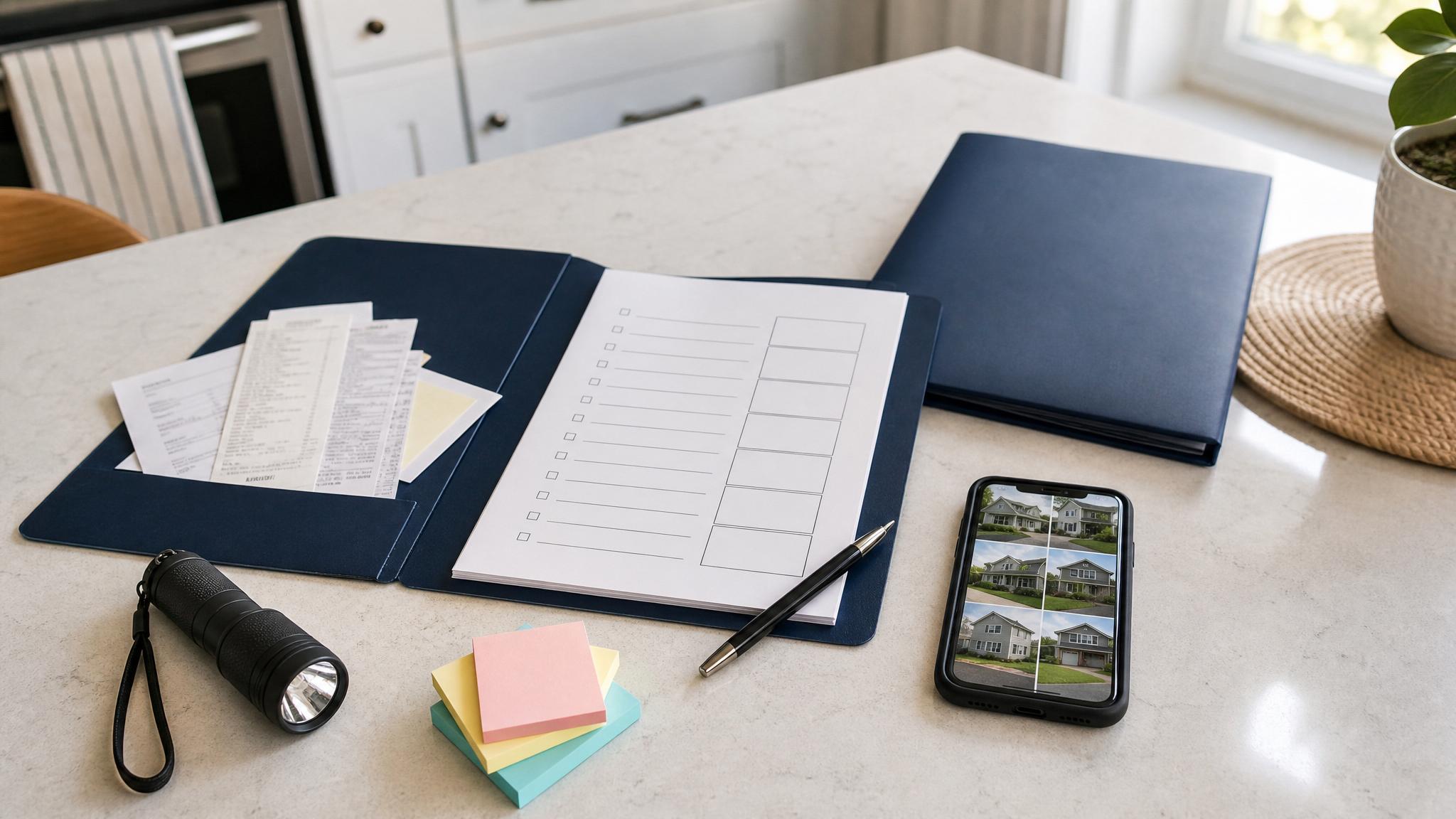
Before moving items or cleaning, take wide photos of the room from each doorway or corner. These photos help show where the issue was found and what the surrounding area looked like.
2. Add clear close-ups
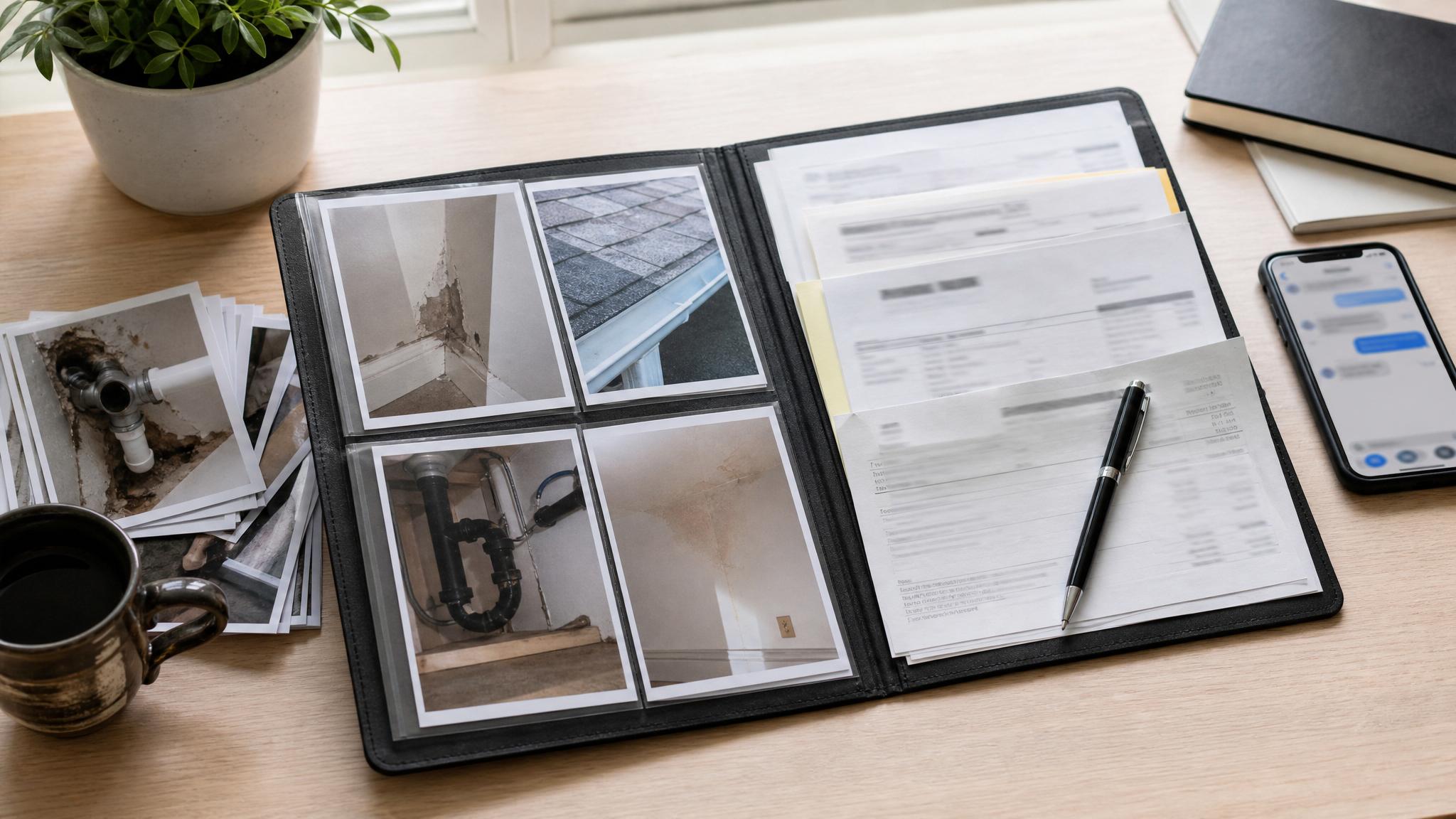
After the wide shots, take close-ups of broken, stained, missing, or damaged items. Capture a few angles and include scale if it helps. Photograph labels, model numbers, or item details when replacement or repair may be needed.
3. Save cleaner or co-host notes
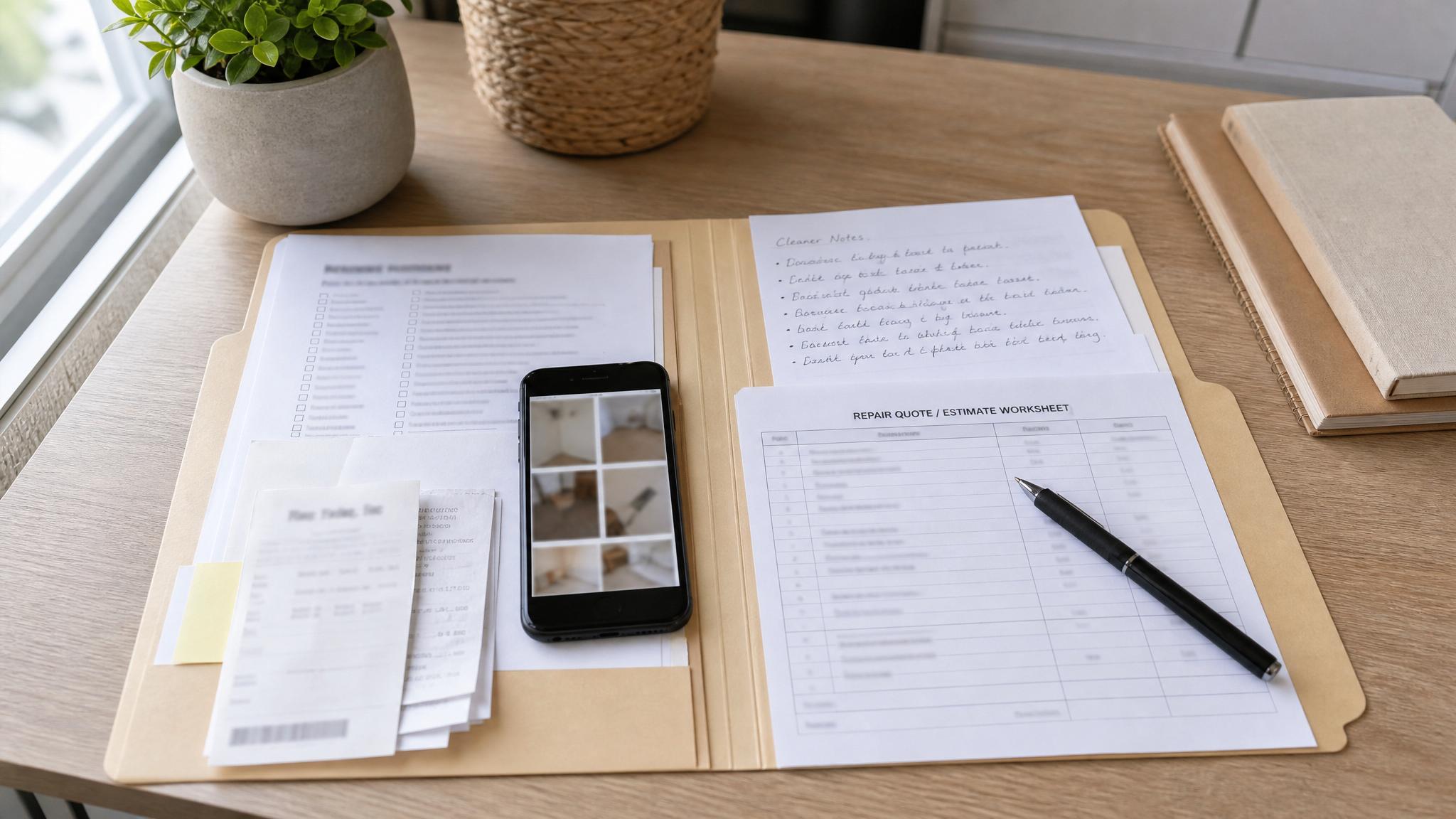
If a cleaner or co-host found the issue, ask for the room, item, what changed, urgency level, safety concerns, and where the photos were saved. Scattered texts are easy to lose; a repeatable handoff is calmer.
4. Keep receipts and repair quotes together
If the issue turns into a repair, save estimates, invoices, receipts, scope notes, and before-and-after photos in the same incident folder. Keep the language factual: what happened, when it was noticed, and what follow-up is needed.
5. Save relevant messages and timeline notes
Keep relevant guest messages, platform messages, cleaner texts, owner notes, and repair updates. A short timeline can be enough: discovered, photographed, cleaner note received, quote requested, repair completed.
6. Use one incident folder
Create one folder for the incident and use simple names like 2026-05-15-living-room-table-scratch. Put photos, notes, receipts, quotes, and messages there so you are not searching five places later.
Common mistakes to avoid
- Cleaning before basic photos are saved, unless there is a safety issue
- Only taking close-ups with no wide room context
- Leaving cleaner notes buried in text messages
- Mixing opinion-heavy language into the incident log
- Saving receipts and repair quotes separately from the photos
Free checklist
Download the free STR Damage Photo Shot List to keep the basic photo categories and quick incident log in one place before cleanup starts.
Need the fuller workflow?
The STR Host Damage Documentation Bundle connects the full path: guest-damage photos, cleaner/co-host handoff, repair quote tracking, receipts, messages, and follow-up records.
FAQ
Is this affiliated with Airbnb or Vrbo?
No. This is an independent documentation checklist and is not affiliated with Airbnb, Vrbo, or any booking platform.
Does this guarantee reimbursement or claim approval?
No. It helps you organize records. It does not guarantee reimbursement, approval, insurance coverage, legal outcomes, or any platform-policy result.
Who is this best for?
Self-managing short-term rental hosts, co-hosts, small property managers, and turnover teams that need a repeatable way to keep damage records organized.