When a home repair or renovation project starts going sideways, the details can scatter fast. One issue is in a text message. Another is in a photo. The invoice is in email. The original scope is in a PDF.
This guide shows you how to document a contractor dispute in a calm, organized way before your next follow-up. It is not legal, construction, lien, insurance, code, or consumer-claims advice, and it does not guarantee a refund, repair, or contractor response. The goal is simply to help you collect the facts in one place.
Start with the contract and scope
Your contract, estimate, proposal, or scope of work is the starting point. Save the signed agreement, approved change orders, drawings, selections, warranty information, permits, and any written updates.
If the issue is unfinished work, poor workmanship, delays, or a surprise invoice, connect the problem back to what was promised. That makes your notes easier to understand later.
Create a short project snapshot with:
- Contractor or company name
- Project address, room, or area
- Start date and expected finish date
- Original quoted amount
- Approved change orders
- Warranty or workmanship language to review
- Important invoice or payment dates
Keep this part factual. You are building a reference page, not writing the whole story.
Build a simple project timeline
A timeline turns a messy project into a sequence. It helps you see what happened, when it happened, and what records support each step.
Use short entries like this:
- May 2 — Backsplash tile installed; uneven edge near sink; photo taken; texted contractor at 4:18 PM.
- May 4 — Contractor replied that they would return Friday; screenshot saved.
- May 10 — Final invoice received before punch-list items were corrected.
Useful timeline entries include:
- Work start date
- Missed appointments or delays
- First date each issue was noticed
- Contractor replies or promises
- Payment requests and invoices
- Repair attempts
- Inspection or estimate dates, if any
You do not need perfect formatting. A dated list is enough if it is clear.
Photograph the issue in context
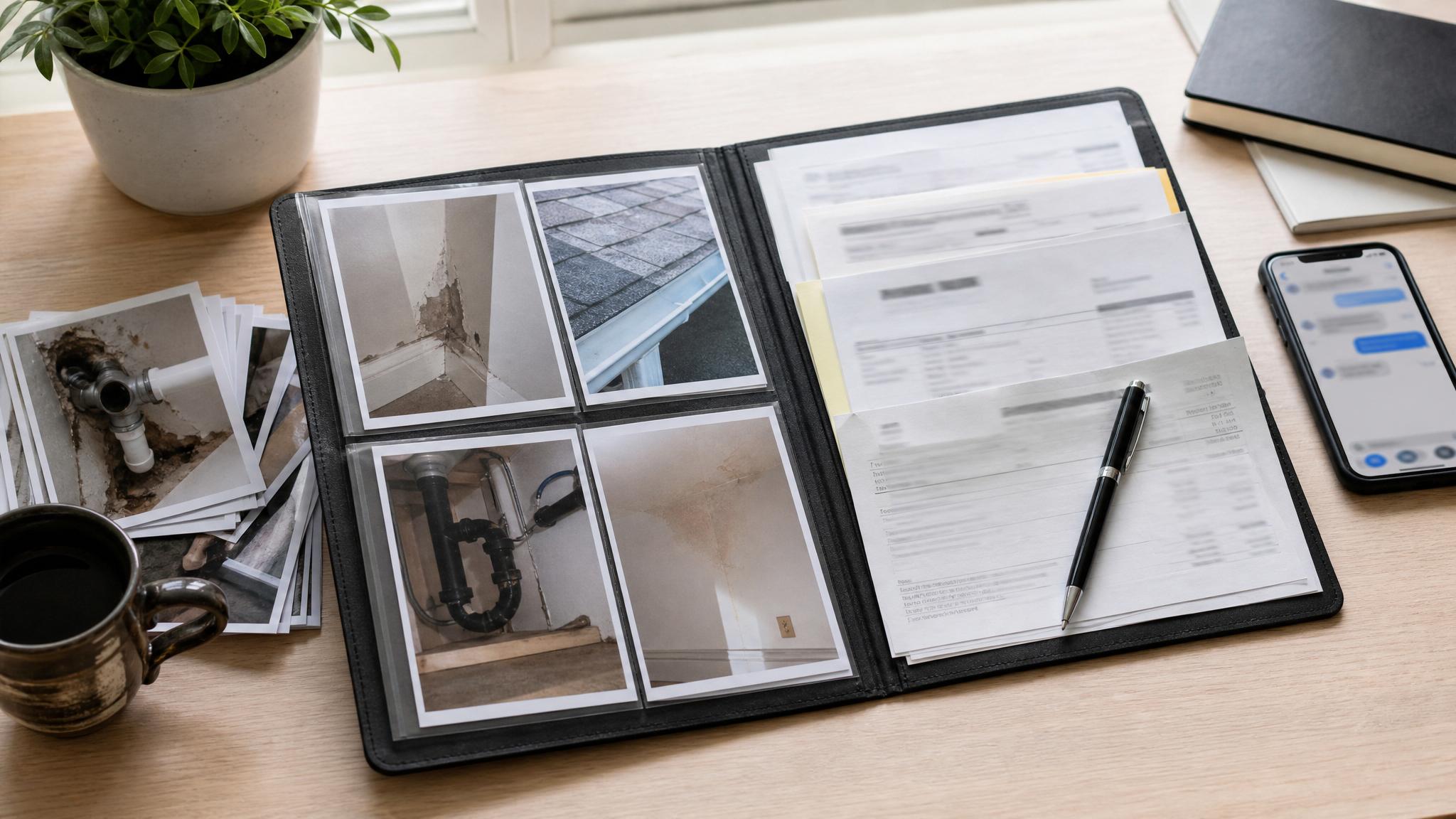
Photos are easier to use later when they show both the big picture and the details. Take a wide photo first so the room or area is obvious. Then take close-ups of the specific problem.
For each repair photo, note:
- Room or location
- Date taken
- What the photo shows
- Why it matters
- Related invoice, contract item, or message
- Whether the issue is unfinished work, damage, poor workmanship, incorrect material, or cleanup
Good lighting helps. If size matters, place a ruler, coin, or familiar object near the issue for scale.
Also save photos in a folder with plain names. For example:
2026-05-02-kitchen-backsplash-wide.jpg2026-05-02-kitchen-backsplash-uneven-edge-closeup.jpg2026-05-04-hallway-paint-touchup-needed.jpg
This small habit saves time later.
Save invoices, receipts, and payment records
Keep every invoice, receipt, proof of payment, deposit record, financing document, card statement, and refund or credit conversation.
If there is a payment question, your packet should show:
- What the contractor requested
- What you paid
- Which milestone or work item the payment covered
- What work was finished
- What work is still in question
- Any written explanation you received
Do not rely on memory for payment details. Save the document, screenshot, or statement while you can still find it.
Log contractor communication
Texts, emails, calls, and in-person conversations can blur together. A communication log gives you one place to track what was said and what needs follow-up.
For each important contact, write down:
- Date and time
- Channel, such as text, email, phone, or in person
- Main topic
- Contractor response
- Any promise, deadline, or next step
- Related screenshot, email, or file name
If you talk by phone or in person, send a short written recap afterward. Keep it calm and specific. For example: “Thanks for talking today. My notes are that you plan to return Friday to review the tile edge and hallway paint touch-ups.”
That kind of message helps turn a verbal conversation into a written reference.
Create a clear issue list
A punch-list style issue tracker is easier to read than a long emotional note. Keep each item short and concrete.
| Issue | Location | Date noticed | Photo reference | Current status |
|---|---|---|---|---|
| Uneven tile edge | Kitchen sink wall | May 2 | IMG_2044 | Waiting for contractor reply |
| Paint touch-up needed | Hallway trim | May 4 | IMG_2071 | Contractor said Friday |
| Missing cabinet pull | Laundry room | May 6 | IMG_2090 | Not started |
For each issue, include the correction or question you want reviewed. Avoid exaggeration. A clear list is easier for everyone to process.
Make a folder system before it gets bigger
You can use a physical folder, a cloud folder, or both. The format matters less than the habit of keeping everything in one place.
A simple folder structure:
01 Contract and Scope02 Invoices and Payments03 Photos and Videos04 Messages and Emails05 Timeline and Issue List06 Repair Estimates or Inspections
Back up digital files if the situation is important. Screenshots, photos, and PDFs are easy to lose if they only live on one phone.
Prepare a calm follow-up packet
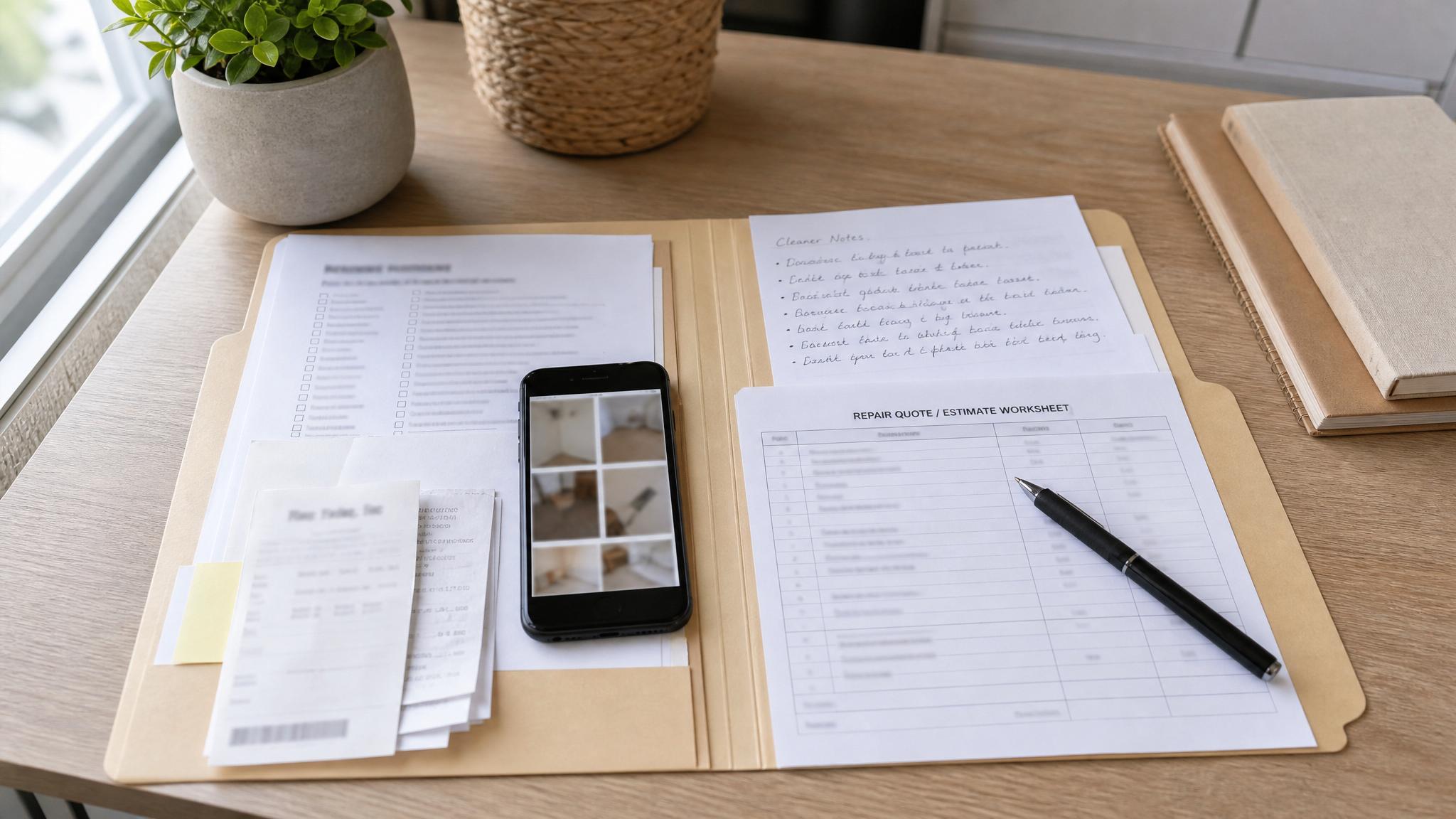
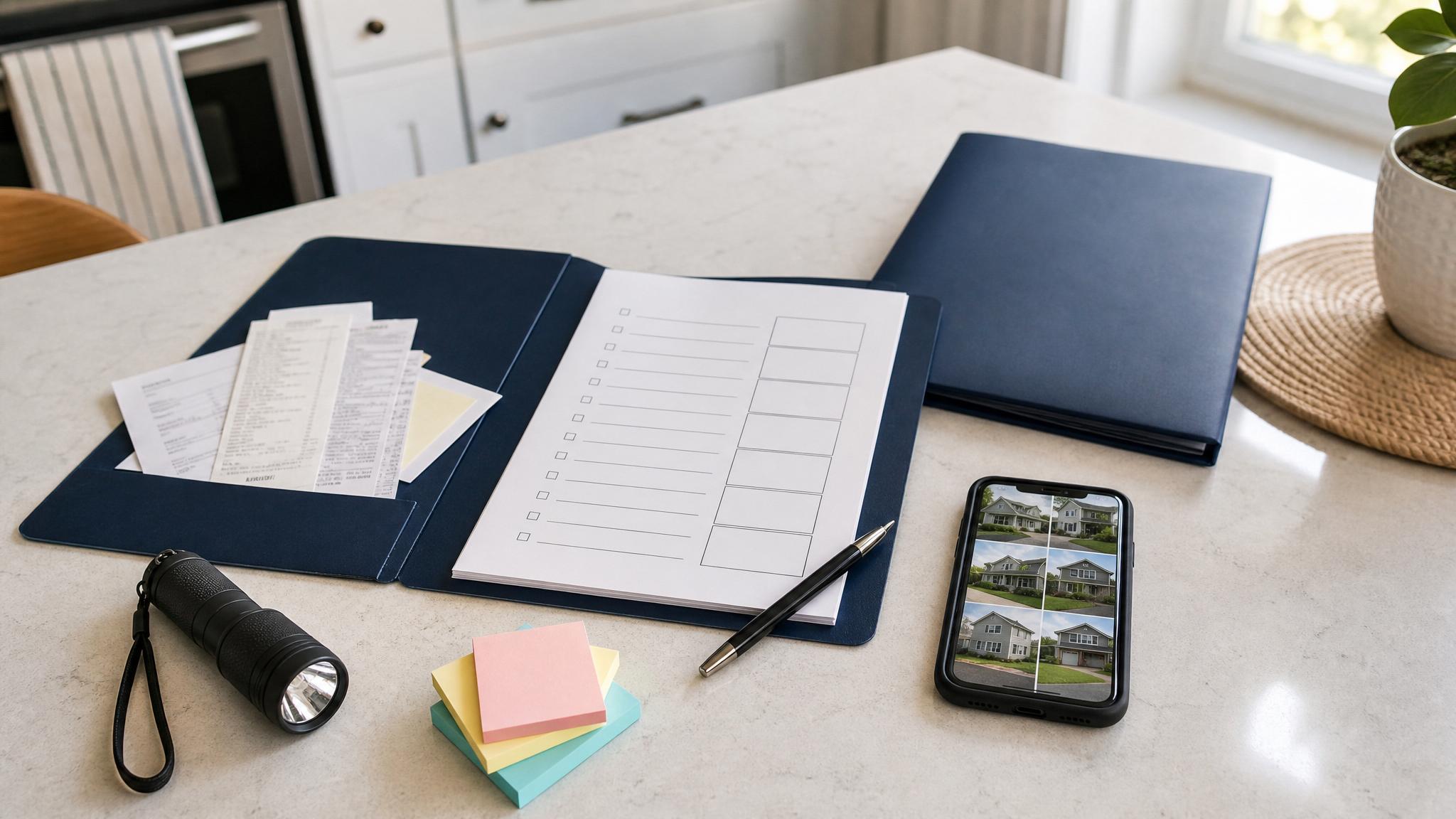
Before your next contractor follow-up, gather the cleanest version of your records. You do not need to send everything at once. Start with a short summary and attach only the most relevant items.
A basic follow-up packet can include:
- Project snapshot
- Timeline
- Issue list
- Photo log
- Invoice or payment references
- Relevant contract or scope excerpts
- Communication log
- Clear next-step request
Keep the request simple. State what you want reviewed, corrected, clarified, or scheduled. If the situation involves legal rights, payment disputes, liens, insurance, code issues, or formal complaints, consider getting qualified professional guidance before taking action.
Free printable helper
If you want a cleaner starting point, download the free Contractor Issue Photo Log from The File Cabinet: Contractor Issue Photo Log
It gives you fillable pages for repair photos, locations, dates, notes, related documents, and next steps. It is an organization tool only, not legal advice.
If the issue is bigger than photos alone, the full Contractor Dispute Documentation Kit adds project timelines, payment trackers, communication logs, issue trackers, packet indexes, and resolution request worksheets: Contractor Dispute Documentation Kit
Quick FAQ
What should I document if a contractor does not finish the job?
Save the contract, scope of work, invoices, payments, dated photos, messages, timeline, and a short list of unfinished items. Keep the notes factual and connected to dates.
Should contractor dispute photos be close-up or wide-angle?
Use both. Wide photos show the room or area. Close-ups show the specific issue. Label each photo with the date, location, and what it shows.
How do I keep contractor text messages organized?
Take screenshots of important messages and record the date, topic, contractor response, and promised next step in a communication log. Save screenshots in the same folder as your timeline.
Is this legal advice?
No. This is documentation and organization guidance only. Contractor disputes can involve legal, payment, lien, warranty, insurance, or code questions, so get qualified professional advice when needed.
Final takeaway
You do not need a perfect system to document a contractor dispute. You need a clear one. Start with the contract, build a timeline, label your photos, save payment records, and keep contractor messages in one place.
A calm paper trail makes your next step easier to understand.