Disclosure: Some of the links on this page are affiliate links. This means that, at no additional cost to you, I may earn a small commission if you click through and make a purchase. I only recommend products that I personally use or believe will be helpful in emergency preparedness.
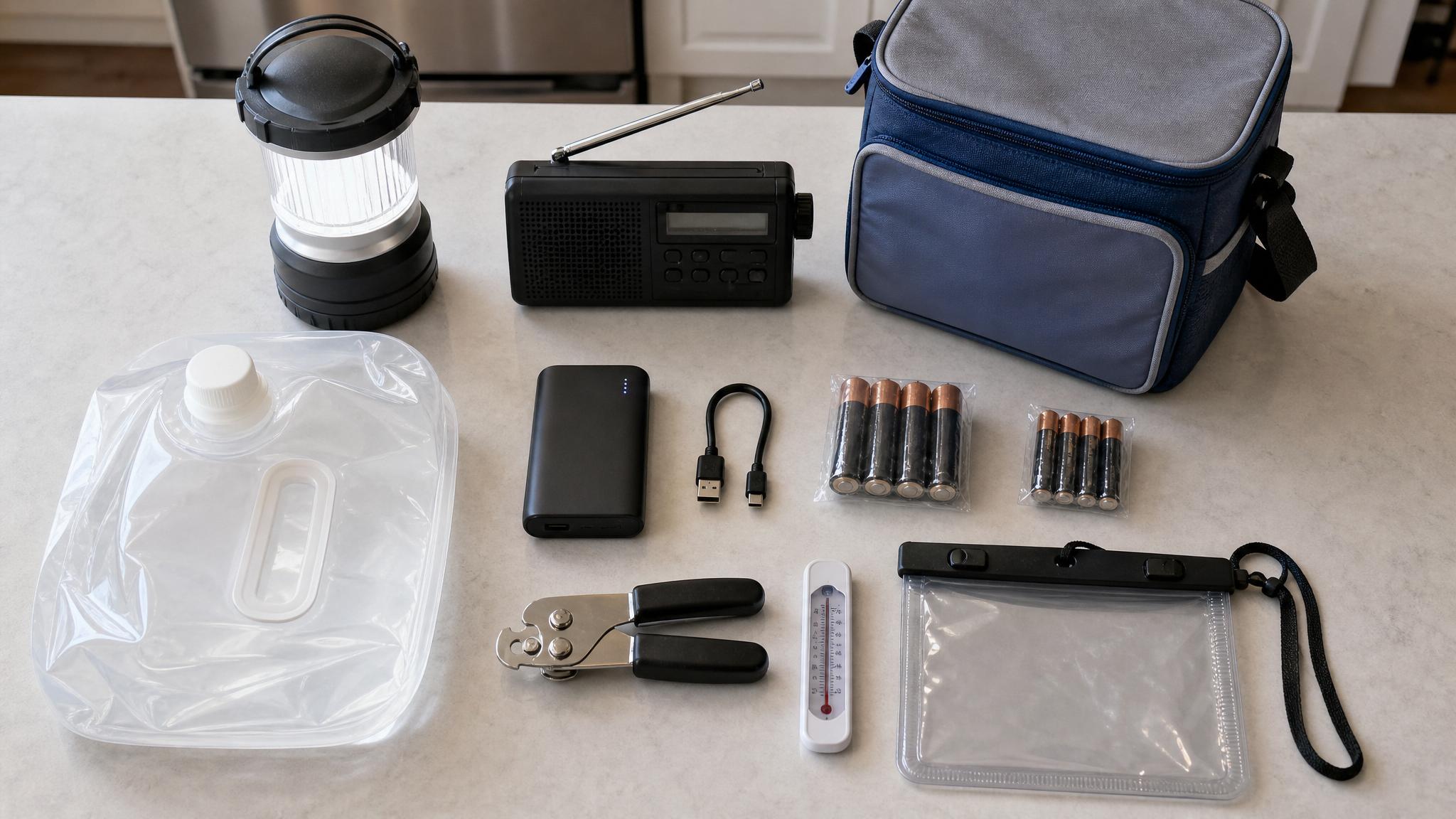
Storm prep is usually framed around supplies: water, flashlights, food, batteries, and phone chargers. Those things matter, but your household records matter too.
A simple home documentation folder can make photos, receipts, repair notes, contacts, and household details easier to find if you ever need them. The goal is not to predict trouble. It is to make one practical admin task easier before storm season gets busy.
Why home documentation belongs in your storm prep plan
Home documentation gives you a clearer record of what your home looked like before storm season. It can also save you from hunting through your camera roll, email, text messages, and paper files later.
Think of it as a home file cabinet reset. You are gathering the basics in one place so future-you is not starting from zero during a stressful week.
This checklist is for organization only. It does not guarantee any insurance, legal, repair, or reimbursement outcome. Always review your own policy documents and ask your provider specific questions.
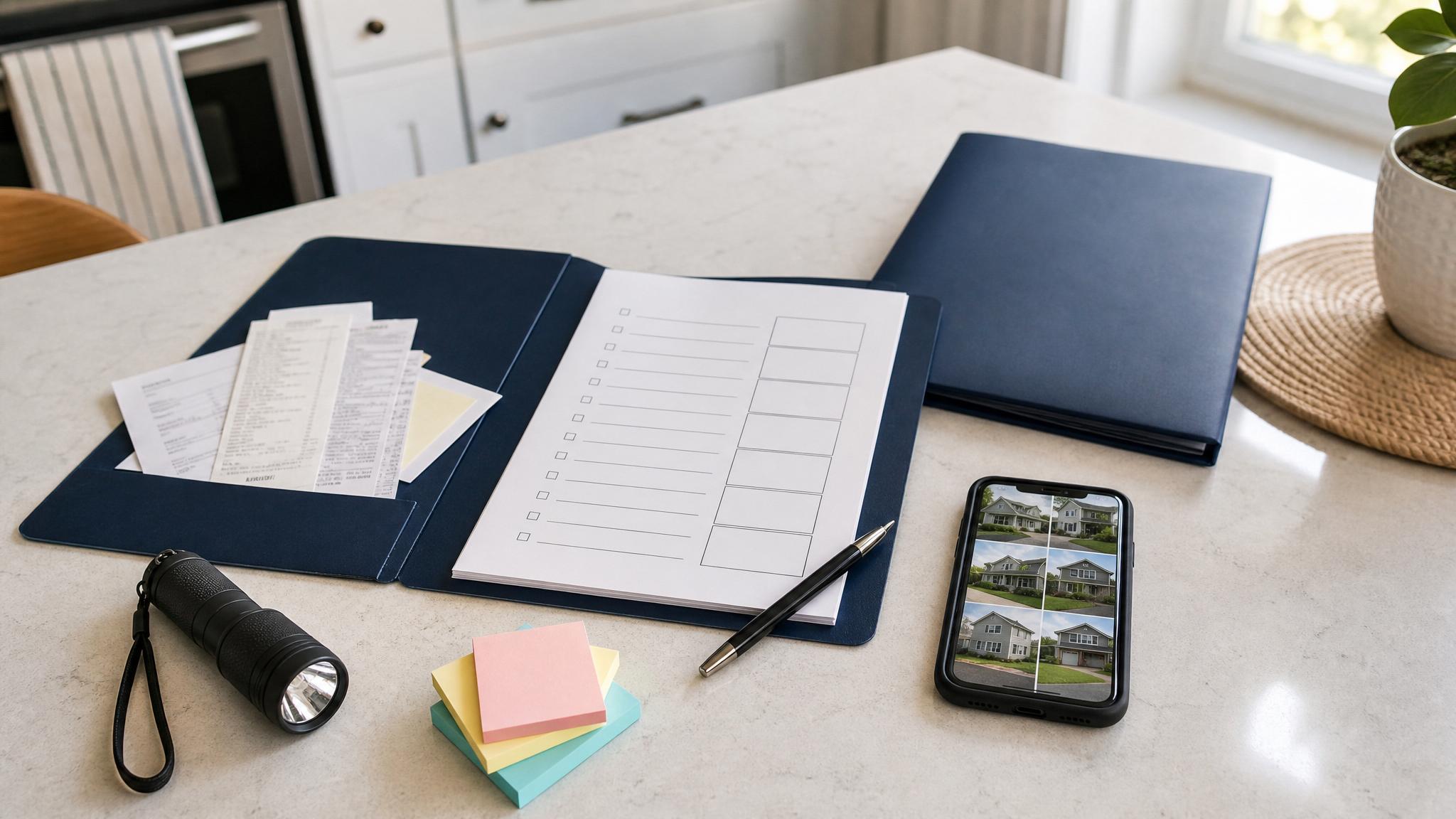
1. Take current photos of your home
Start with photos because they are fast and useful. You do not need perfect lighting or a professional camera. Your phone is enough.
Take exterior photos of:
- Front, back, and side views of your home
- Roofline, gutters, windows, doors, garage, and porch
- Fence, shed, deck, patio, and other outdoor structures
- Trees, drainage areas, and anything you already keep an eye on
Then take interior photos of:
- Each room from two or three wide angles
- Floors, ceilings, windows, closets, and built-ins
- Appliances, electronics, furniture, tools, and equipment
- Storage areas, garage, attic, basement, or laundry room if relevant
Storm Season Home Photos 2026. That keeps the photos from getting mixed into everyday pictures.2. Create a simple room-by-room inventory
A home inventory can sound like a huge project, but it does not have to be. Start with the big things first. You can add detail later.
For each room, list the major items you would want to remember clearly:
- Appliances
- Electronics
- Furniture
- Tools and outdoor equipment
- Baby gear, medical equipment, or specialty household items
- Anything recently purchased or repaired
When it is easy, add brand names, model numbers, serial numbers, purchase dates, and approximate value. If that slows you down, skip it for now and keep moving. A basic inventory is better than an unfinished perfect one.
3. Gather receipts, warranties, and repair records
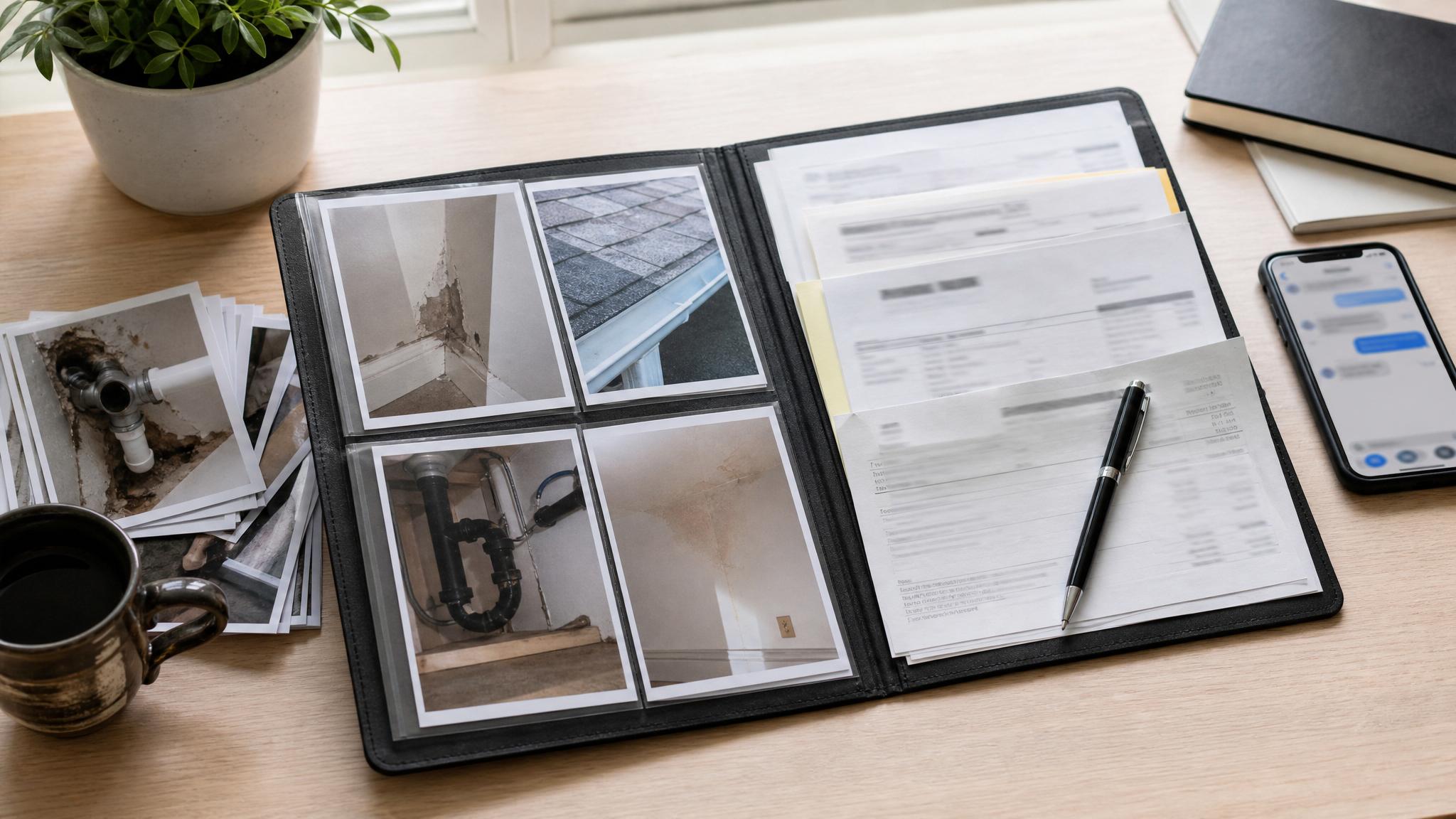
Next, collect records for repairs and higher-value household items. These are often scattered across email, paper folders, contractor texts, and online accounts.
Look for:
- Roof, gutter, window, HVAC, plumbing, or electrical repairs
- Appliance receipts and warranties
- Contractor invoices and estimates
- Maintenance notes and service dates
- Before-and-after repair photos
Scan paper copies or take clear phone photos. Save digital copies in the same folder as your home photos.
4. Save important home and policy contacts
You do not want to search for phone numbers during a busy weather week. Make a one-page contact list and save it in both printed and digital form.
Include:
- Insurance company and agent contact details
- Mortgage, landlord, or HOA contacts if relevant
- Utility companies
- Preferred contractors
- Local non-emergency numbers
- Family or household emergency contacts
Add policy numbers only if you can store the page securely. Do not put sensitive personal information in an unsecured shared folder.
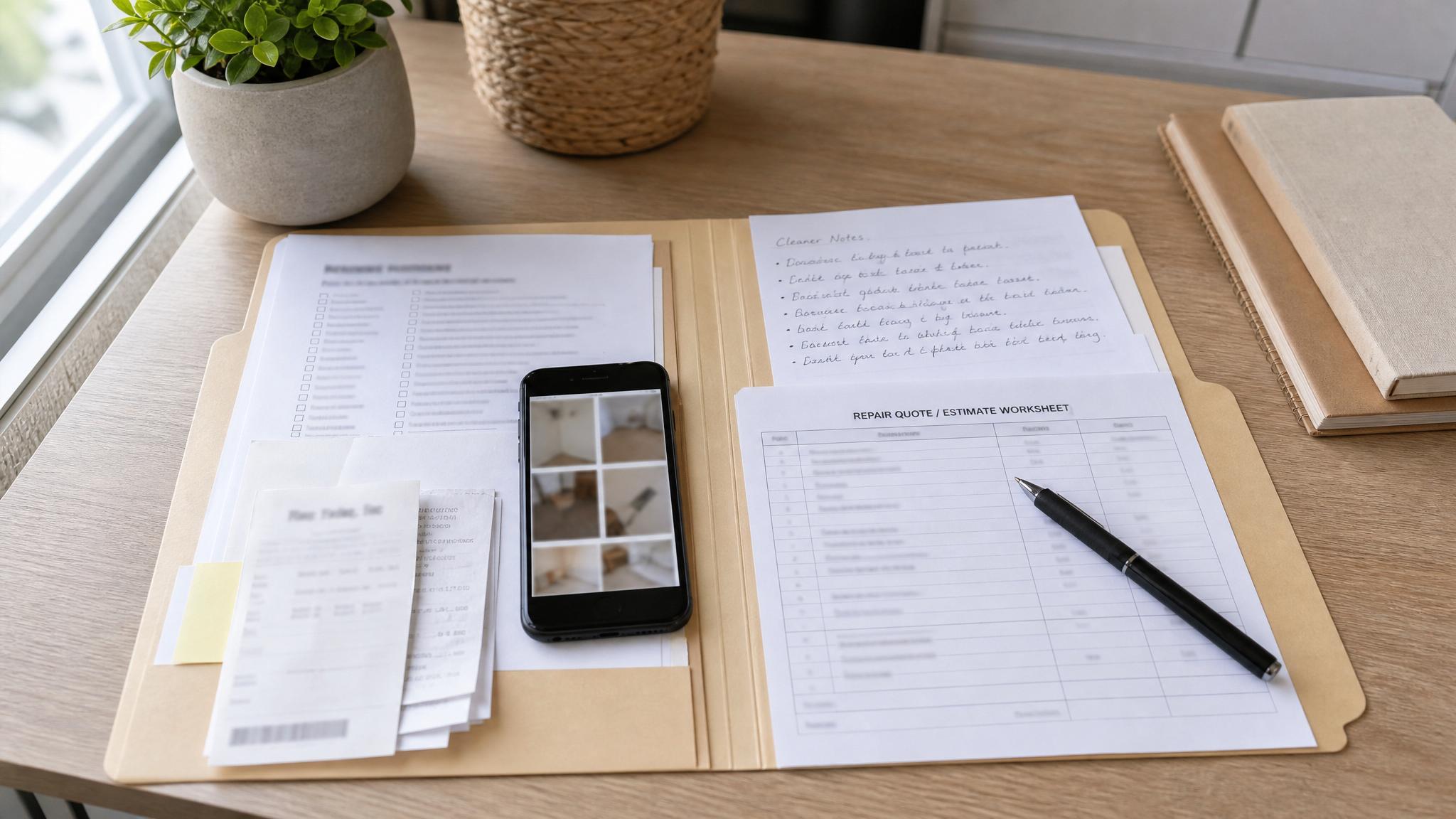
5. Keep a storm notes page
A simple notes page helps you keep events in order. Use it before, during, or after severe weather if you need a place to track dates and actions.
You might note:
- Date you took home photos
- Repairs scheduled or completed
- Prep tasks finished
- Photos or documents added
- Calls made or messages sent
- Follow-up tasks for later
This is not about making paperwork complicated. It is about giving yourself one clean place to write things down.
6. Choose a storage system you will actually use
The best system is the one you will keep up with. Choose printed, digital, or hybrid.
A printed binder works well if you like paper checklists. A digital folder works well if most of your photos and receipts are already on your phone or computer. A hybrid system gives you quick printed references plus cloud backups.
Helpful folder names:
- Home Photos
- Receipts and Warranties
- Repairs and Maintenance
- Room Inventory
- Contacts
- Policy Documents
- Storm Notes
A gentle weekend setup plan
If this feels like a lot, break it into a weekend.
Friday: Create your folders and print any checklist pages you want to use.
Saturday: Take exterior and room-by-room photos. Do not sort everything perfectly yet.
Sunday: Add the most important receipts, repair records, contacts, and inventory notes.
You can improve the folder over time. The first version only needs to be useful.
Download the Storm-Ready Home Evidence Kit
Want a guided version? The Storm-Ready Home Evidence Kit gives you printable and digital pages for home photos, inventory notes, repair records, contacts, and storm-season documentation. It is built to help you set up a calm home evidence folder before you need it.
Start small with the free 15-Minute Storm Season Home Photo Checklist, then upgrade to the full kit when you want the complete binder path.
FAQ
Do I need to photograph every item I own?
No. Start with rooms, major items, appliances, electronics, tools, and anything recently purchased or repaired. You can add smaller details later.
Should I print my home documentation or keep it digital?
Either can work. A digital folder is easiest for photos and receipts. A printed binder is helpful for contacts, checklists, and notes. Many households use both.
Is this insurance advice?
No. This is an organization checklist. Review your policy documents and contact your insurance provider for questions about coverage, documentation requirements, or claims.